Does your automated web inquiry response look like this?
Here is what the typical auto-response email to a web inquiry into a community looks like:
|
From: sd@anytown.com
|
Or sometimes it is a little more sophisticated and looks like it is coming from a real person and the email signature has their name and maybe even a headshot photo - which is a step in the right direction. However, SalesMail gives you the the power to create a memorable and impactful experience when a prospect inquires.
Embedding a SalesMail video personally introducing yourself and your community gets more conversions and creates a memorable experience that makes your community stand out from the competition.
Here is an example:
From: sd@anytown.com Date: Tue, Feb 21, 2024 at 10:52 AM Subject: Re: Prospect Information Request To: <prospect@gmail.com>' Thank you for your interest in Anytown! We will be calling you shortly, but in the meantime please click below to watch the video message I recorded for you. Talk to you soon! - Corey
|

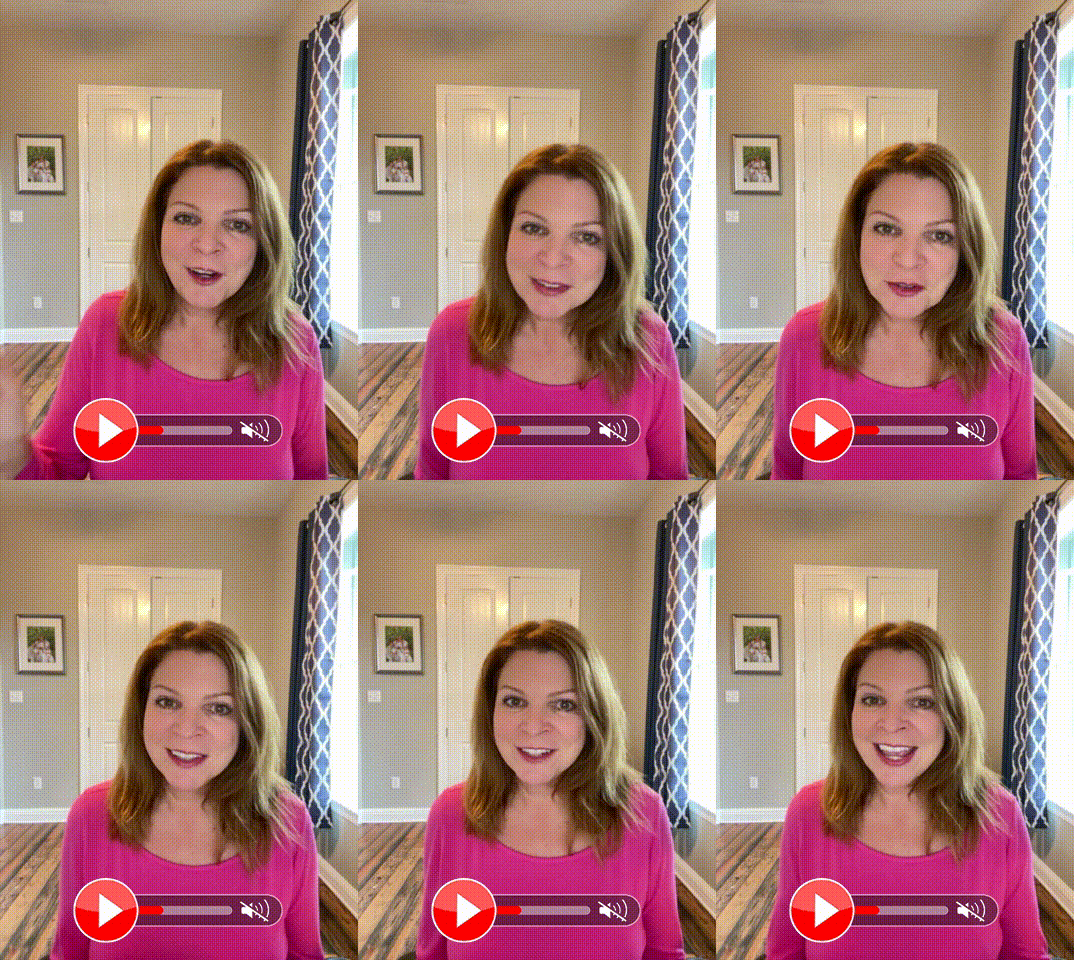

Or you can even record a group intro video with multiple staff members - sales, executive director or property manager, service team members, culinary, etc.!
Are you ready to amp up your automated inquiry response or lead nurturing campaigns? Check out the details here, or reach out to your Client Success Specialist for assistance.
Related Articles
Inquiry Response Video Example
Sending a SalesMail video to a new lead is a great way to begin your relationship in a warm and memorable way and to help your community/business stand out from the competition. Here we share a sample video for inspiration, and some follow up steps ...Adding SalesMail Video to Knock Admin Email Auto Responders
Adding a SalesMail video to your auto-responder drives higher click through rates and helps you stand out from the competition (see related article - Does your inquiry response look like this?) A video message is a warm way to introduce the team, the ...Add SalesMail video to marketing, bulk, CRM, and auto-reply emails
Did you know you can add a SalesMail video to emails/texts sent through your CRM, marketing automation tools, marketing/bulk emails, or or auto-responders (e.g. lead/inquiry form response)? This provides a powerful and memorable touch to your ...😎A Look Through the Lenses Contest - 3 Ways To Win $100!
Update 3/31/2025: A huge thank you to everyone who joined in on our Look Through the Lenses Contest! We loved seeing your creativity, energy, and video magic come to life. Whether you recorded with a Lens, shared your message on LinkedIn, or dreamed ...Three ways to use SalesMail to increase lead-to-tour conversion
Make your community (and yourself) stand out from the very beginning of the sales process by using SalesMail to increase your lead-to-tour conversion rate! Watch the video above to learn how.